
Building Recimind: What Went Into Making "Take a Photo, Get a Recipe" Actually Work
From the outside, the app looks simple. But making that feel effortless took a lot of work behind the scenes.
From the outside, Recimind looks simple. Take a photo, get a recipe. Done.
But making that feel effortless took a lot of work behind the scenes. Here's what actually goes into it — in plain English.
Step 1: The app looks at your photo
When you take a photo, it gets sent to an AI called Claude — made by a company called Anthropic. Claude is specifically good at looking at images and understanding what's in them.
It scans your photo and starts listing every food item it can see. And it doesn't just say "food" — it picks out specific things. Spinach, feta, half a lemon, three eggs. It appears on your screen one item at a time, almost like it's thinking out loud.
You can edit the list before moving on. If it missed something or got something wrong, you fix it. You're always in control.
Step 2: You tell it what you're in the mood for
Before the recipe gets generated, you answer a few quick questions:
- What kind of meal? (Breakfast, lunch, dinner, or snack)
- How much time do you have?
- Any special requests? (Vegetarian, no gluten, something light, "I'm really hungry")
The app uses all of this — plus the ingredient list — to generate something that actually fits your situation. See the full feature list at recimind.app/features.
Step 3: The recipe appears
A few seconds later, you have a full recipe. Not a link to a website. Not a list of results to scroll through. An actual recipe, written for you, using what you have.
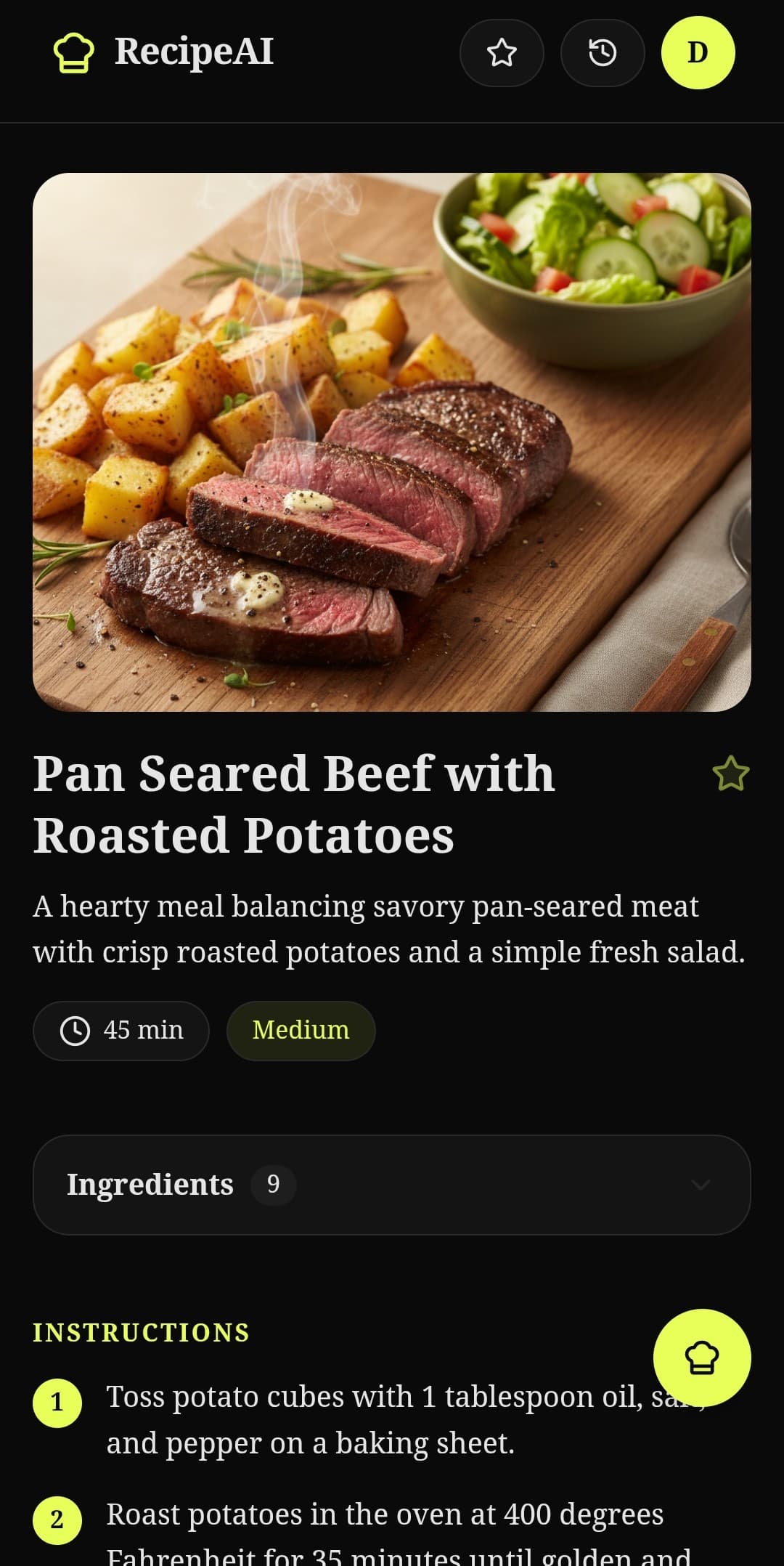
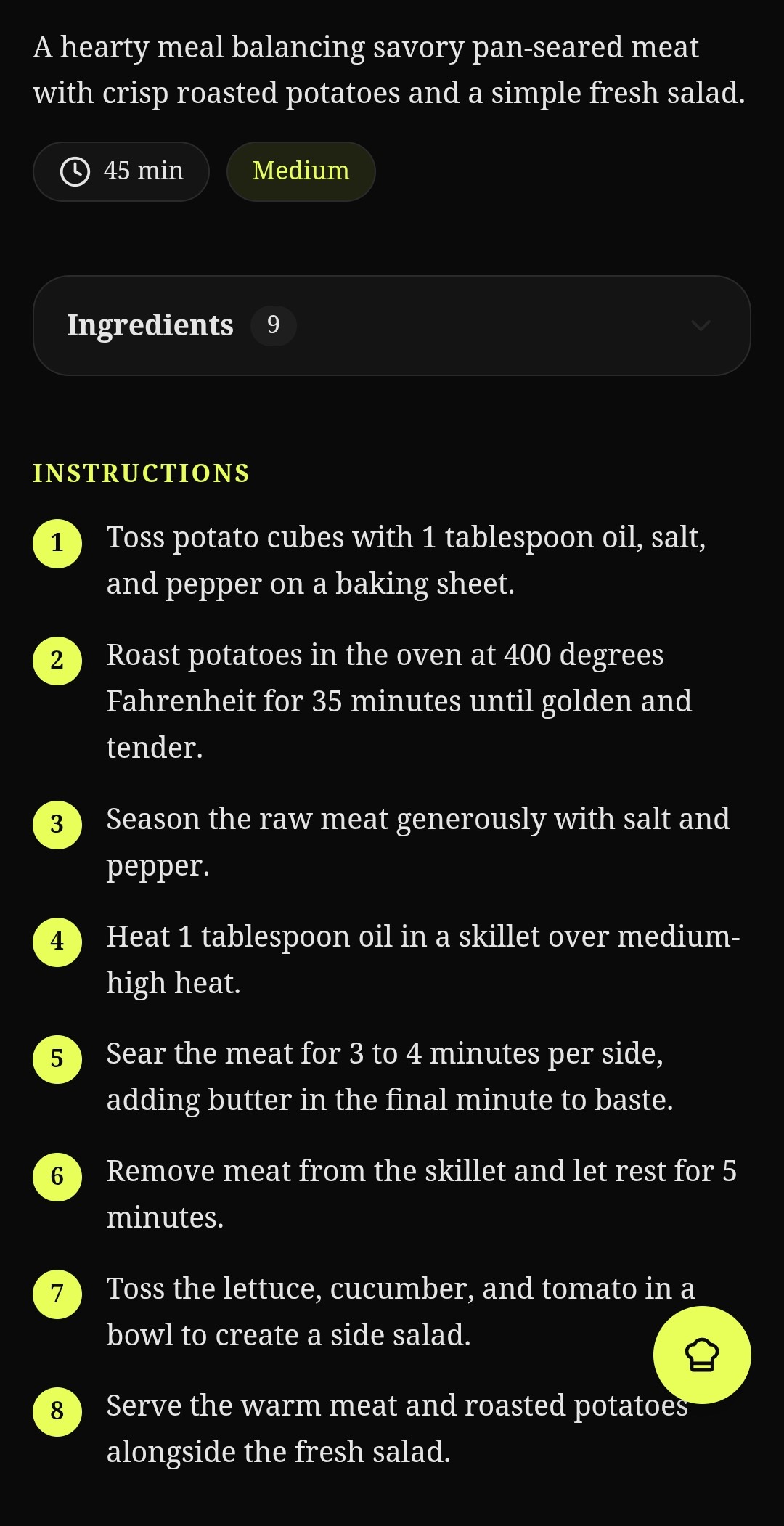
Title, overview, how long it takes, how hard it is, full ingredient amounts, step-by-step instructions, and a few tips. And then — a few seconds later — a realistic photo of what the finished dish looks like.
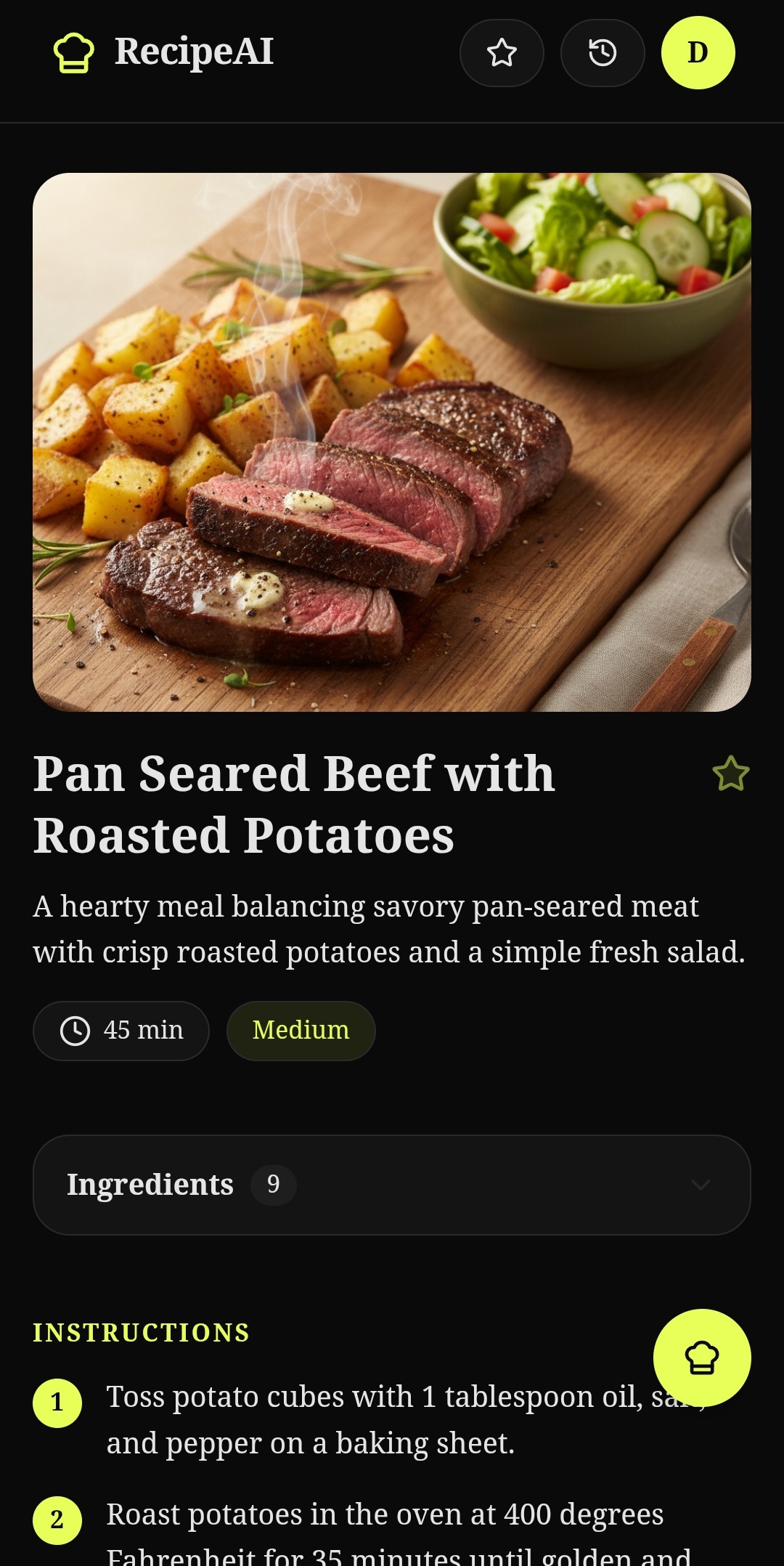
That photo is also AI-generated, by a different AI called Gemini from Google. It's surprisingly good. It makes the recipe feel real before you've even started cooking.
The thing I'm most proud of
There's also a feature I just added called Scan Recipe. You can photograph a physical recipe — a page from a cookbook, a handwritten recipe card, even something scrawled on a napkin — and Recimind reads it and saves it to your collection in a clean, organized format.
It reads handwriting. I'm still a little amazed that works.
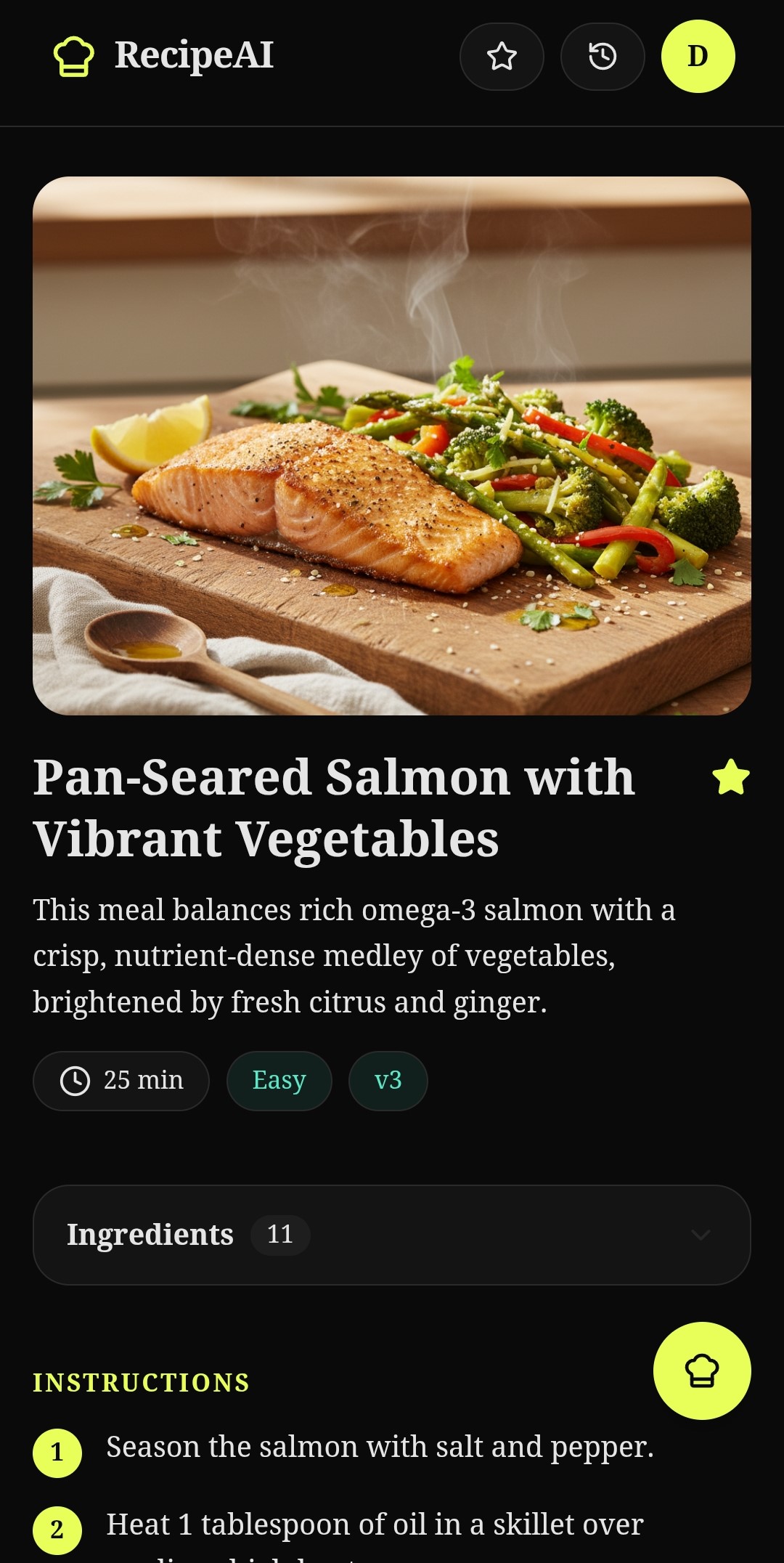
The whole app is built to run on your phone, load fast, and never make you wait on a blank screen. If something is loading, you see a visual placeholder so you always know it's working.
Want to see it in action? Visit recimind.app and try it yourself.